Blended Learning Co-Design Thinking Tool 'Shift for Change'
Discover a blended learning co-design thinking tool that helps create more learner-centred, engaging, and impactful learning experiences. Free toolkit included!

A practical learning design tool that helps create more intentional, learner-centred, and engaging blended learning experiences, developed within the Erasmus+ KA2 cooperation project:
Shift for Change: Using Co-Design for Engaging and Impactful Blended Learning Experiences
(2025-1-EE01-KA210-ADU-000364337)
Project partners:
- Mindshifters (Estonia)
- Stories For Impact (Estonia)
- Advicera (Finland).
The project was co-funded by the European Union.
NB! The materials do not reflect the official views of the European Commission.
What is this tool about?
Many blended learning solutions focus mainly on combining formats and technical tools, while paying less attention to how learners actually experience learning.
This thinking tool helps you:
- identify learner needs,
- reflect on different dimensions of engagement,
- connect learning with real-life practice,
- make more intentional learning design decisions,
- and involve learners more actively in the design process.
This is not a rigid model or a checklist to apply one-to-one in your own context. Instead, the tool acts as a reflection companion that helps ask better questions and analyse and design the learning experience as a whole.
What is the tool based on?
The development of the tool was informed by research on learning, training and development design, engagement, and blended learning. Four key ideas emerged about impactful blended learning:
- Learning is a continuous process. It does not begin with a workshop or end with the final slide of a course. The tool uses the B-D-A (Before–During–After) model to support reflection across the whole learning journey.
- Blended learning is a system. The question is not only which parts happen online or face-to-face, but how different environments and methods support one another and connect meaningfully.
- Engagement is multidimensional. It's not only about activity, attendance, or listening attentively. The tool explores three dimensions of engagement: cognitive, emotional, and social, and helps reflect on how engagement can strengthen learning experiences at every stage.
- Design happens with learners. Learners are not only participants or consumers of content. Co-design helps make learning more relevant, meaningful, and human-centred — bringing learners into the heart of the design process.
What does the toolkit include?
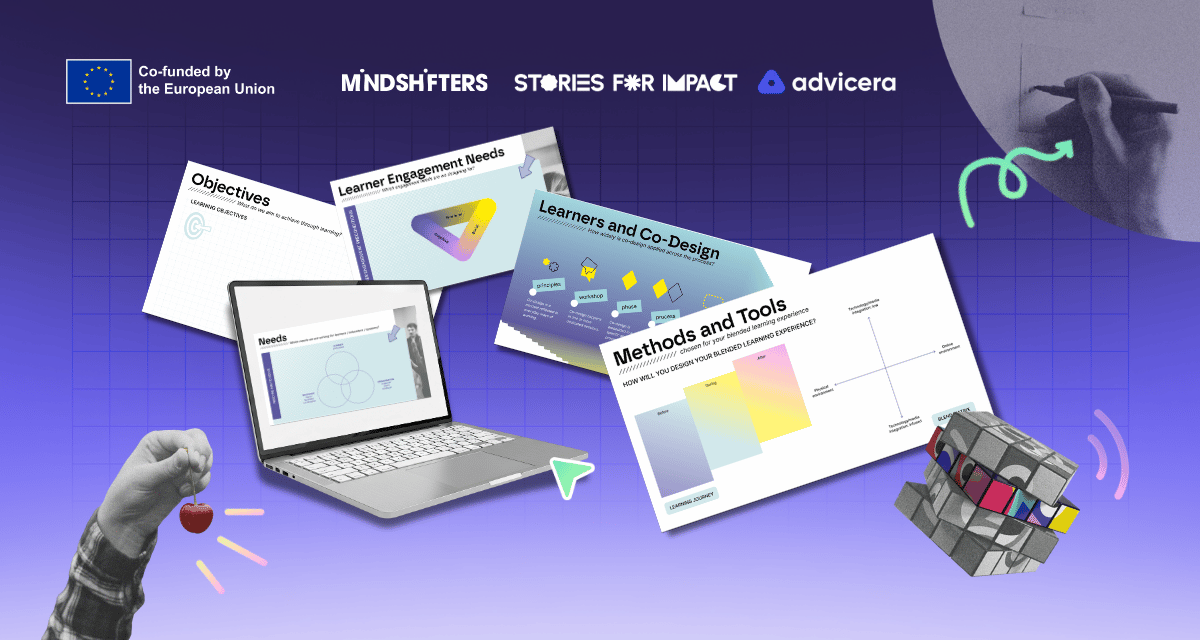
The thinking tool includes digital and printable reflection and co-design workspaces such as:
- Needs Mapping
- Learner Engagement Needs
- Learning Objectives
- Co-Design Depth and Scale
- Before–During–After Learning Journey
- Blend Matrix
- Capture the Shift
The reflection exercises can be combined and adapted based on your needs and priorities. Completing every workspace is not required. Detailed guidance for each section can be found in the PDF guide.
Who is it for?
The toolkit is designed for anyone involved in planning, designing, or facilitating learning experiences.
It is suitable for:
- learning designers,
- trainers and facilitators,
- L&D specialists,
- facilitators,
- education innovators,
- project teams,
- and anyone creating blended learning experiences.
The tool can be used for:
- individual reflection,
- collaborative co-design,
- workshops,
- hybrid and online collaboration.
Reflections from practice
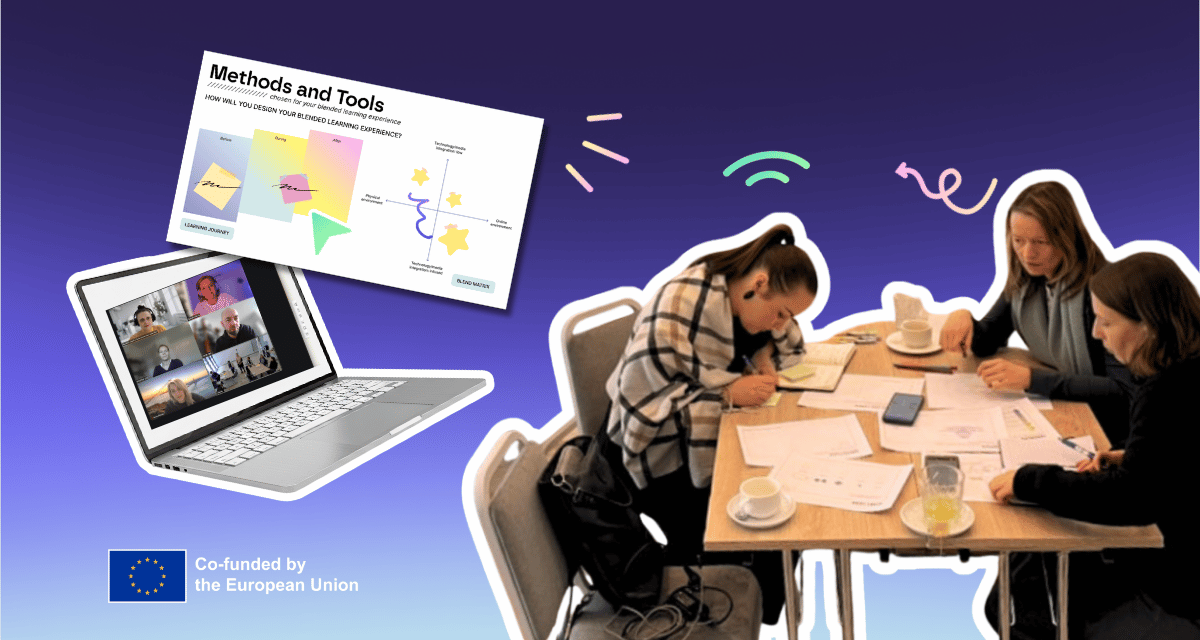
During the project, the tools were tested in different contexts across Estonia and Finland.
Examples from practice included:
- redesigning onboarding programmes,
- mapping the learner emotional journey,
- analysing international online learning experiences,
- transforming training from a “one-off event” into a continuous learning process.
Participant reflections included:
“This tool made me think more about the learner experience.”
“These reflection exercises helped me move from simply creating content toward designing the learning experience as a whole.”
“When I returned to everyday life after the meetings, my mind kept working.”
How to use the toolkit?
The tool is flexible and does not need to be completed linearly or in the “correct order”. Make it your own.
You can:
- use only selected workspaces,
- move back and forth between topics,
- use it for idea generation,
- redesign existing solutions,
- or reflect on the entire learning journey.
The greatest value often emerges from the reflection, discussions, new perspectives, and the process of making previously invisible learning design decisions more visible.
DOWNLOAD HERE
You can download both the toolkit and the user guide for free below.
Google Slides
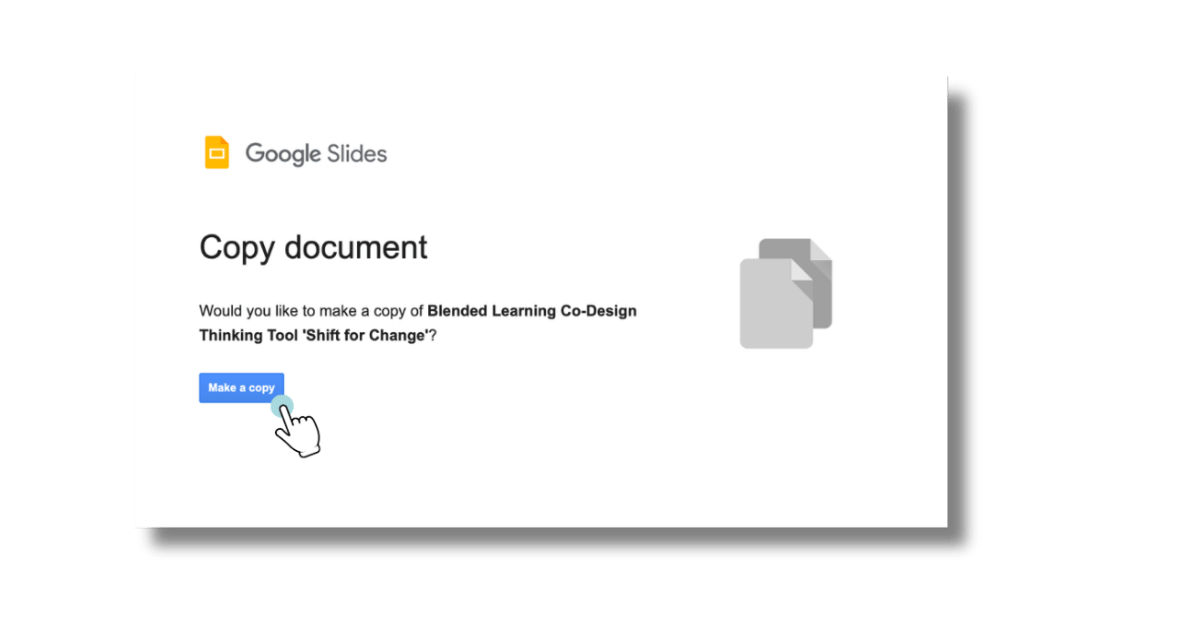
NB! Before accessing the slides, you need to make a copy of the document first.
PNG Workspace Templates (.zip)
Suitable for use in digital co-design and facilitation environments such as Miro, Mural, Canva, and others.
Tool User Guide (PDF)
A step-by-step guide for using the tool, including theoretical background and examples from practice.